

Prerequisites
Enable Klarna payment messaging on your online store with Klarna's Mobile SDK and boost transparency and conversion. This includes our pre-qualification feature, which allows customers to check their eligibility for Klarna financing before completing a payment request. This reduces friction and increases confidence, as customers know their options upfront.
4 min read
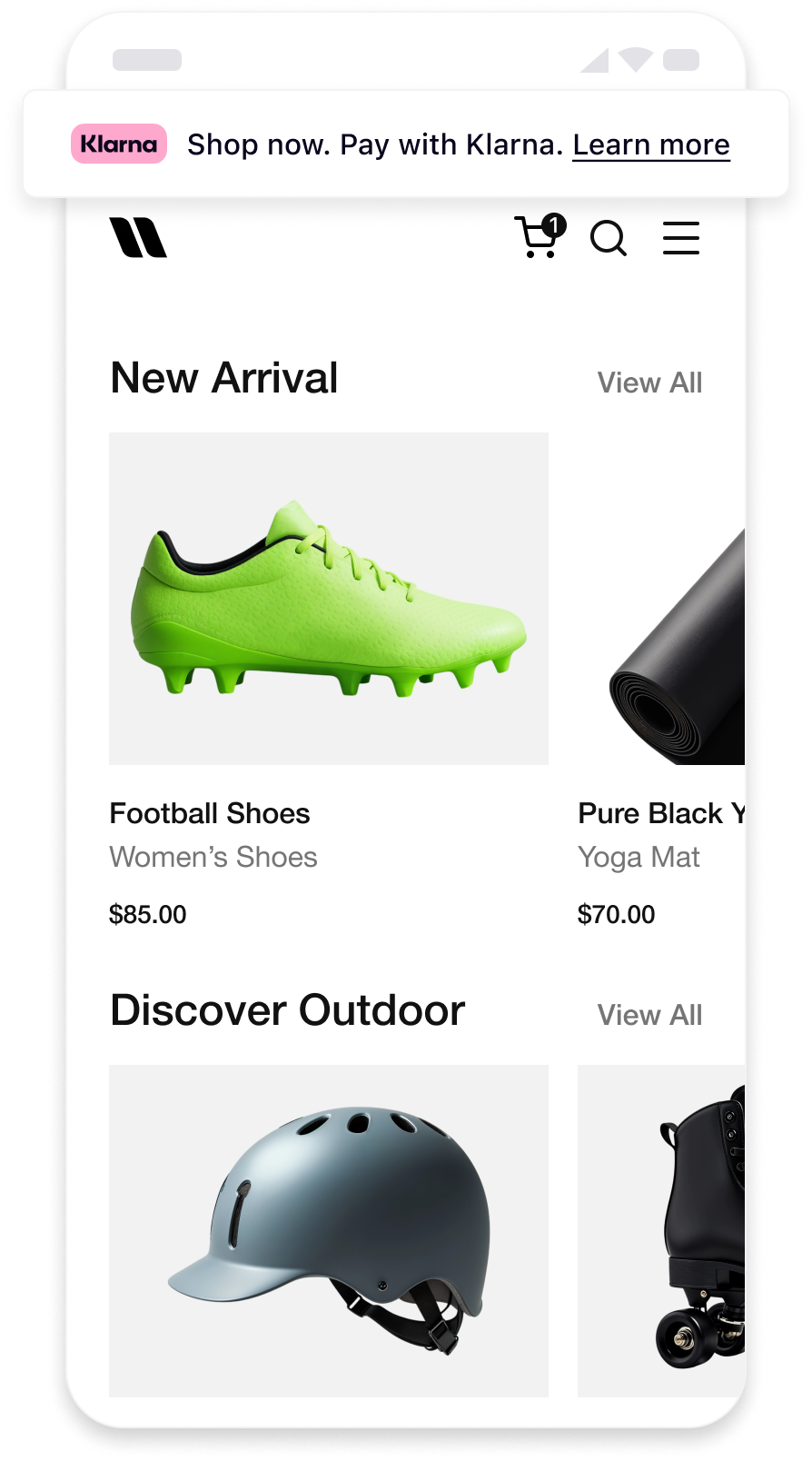 | 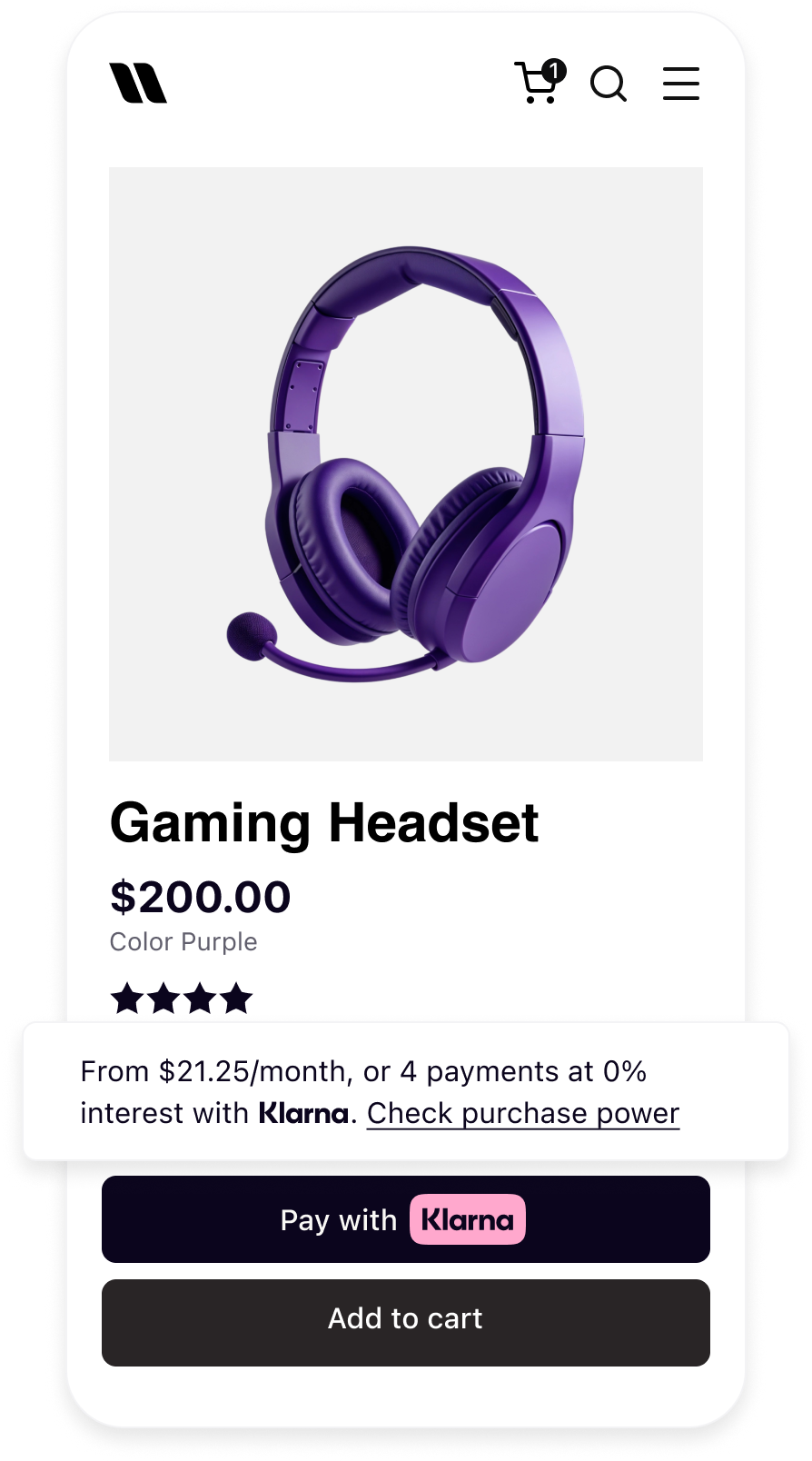 | 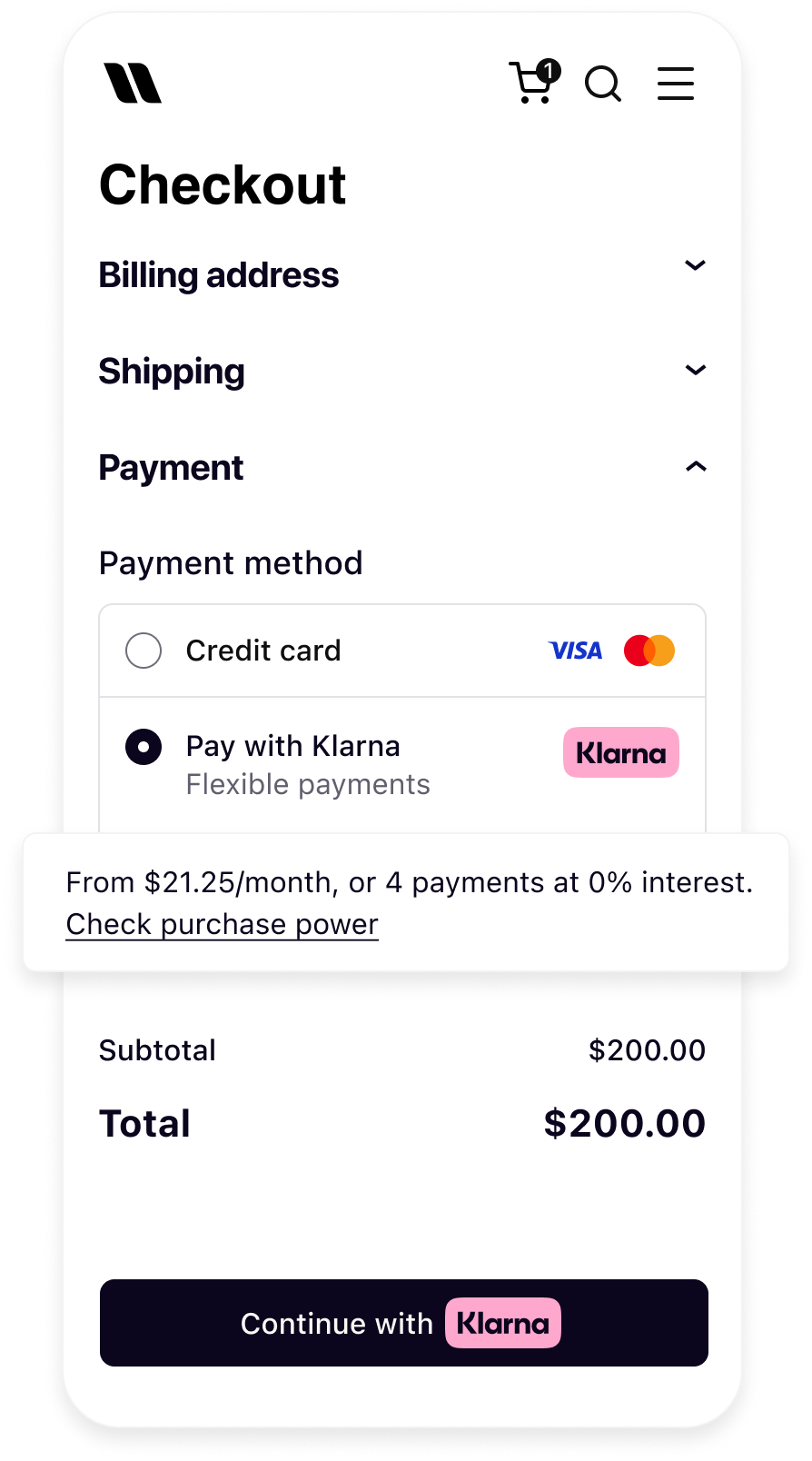 |
| Messaging on the homepage | Messaging on the product detail page | Messaging in the checkout |
Before you integrate On-site messaging, please check that you meet the following conditions:
- 1.Ensure that you have Klarna enabled.
- 2.Confirm you have access to the Klarna Portal.
- 3.Inside Klarna Portal:
- 3.1.Confirm that you have generated a client identifier with your domain URL allowlisted.
- 3.2.Confirm that you have generated an API key.
Adding On-Site Messaging to your native app is a straightforward process. At a high level, to achieve this tailored experience for your users, you will need to follow these steps:
- Request access to On-Site Messaging.
- Add the Mobile SDK Messaging library.
- Initialize the Klarna SDK.
- Create the native messaging view and add it to your screen.
sequenceDiagram
participant C as Customer
participant P as Partner
participant K as Klarna
participant AP as Acquiring Partner
P->>K: Initialize Klarna SDK
P->>K: Get OSM placement
K->>P: Return messaging/prequalification content
P->>C: Display messaging/prequalification content
alt Prequalification flow - Approved
C->>P: Clicks to check purchase power
P->>K: Create session ID & request interoperability token
K->>P: Return session ID & interoperability token
K->>C: Start prequalification journey
C->>K: Completes prequalification
K->>P: Send approval event & updated messaging
K->>C: Update placement to show approval
alt Partner builds checkout form
K->>P: Prequalification state preserved
else Checkout form via Acquiring Partner
P->>K: Fetch interoperability token
P->>AP: Share interoperability token
end
end
First, add the Klarna Mobile SDK Maven repository:
KOTLIN
1
2
3
4
repositories {
maven("https://x.klarnacdn.net/mobile-sdk/")
}
Next, add the Klarna Mobile SDK Messaging Library as a dependency to your application:
KOTLIN
1
2
3
4
dependencies {
    implementation("com.klarna.mobile.sdk:klarna-network-messaging:2.x.x")
}
The first step to add On-Site Messaging to your application is to initialize the Klarna SDK and provide the required configuration:
KOTLIN
1
2
3
4
5
6
7
8
9
10
import com.klarna.mobile.sdk.klarna.network.core.api.klarna.KlarnaConfiguration
import com.klarna.mobile.sdk.klarna.network.core.api.klarna.Klarna
// Create an instance of KlarnaConfiguration
val configuration = KlarnaConfiguration(
clientId = clientId,
accountId = accountId,
locale = locale,
sdkToken = sdkToken,
)| Parameter | Type | Required | Description |
|---|---|---|---|
| clientId | String | Yes | The client ID of the partner account that is integrating the Mobile SDK. If the integration is done by a PSP/DP then this must be set to the distribution partners own client ID. |
| accountId | String | No | When transacting on-behalf of another account then the partner account ID is specified using the accountId property. |
| locale | String | No | Set the default locale(ISO 3166-1 alpha-2) for the SDK. System default locale will be used if not set. |
The On-Site Messaging native view on Android is the KlarnaMessagingPlacementView. You can create this view programmatically and add it to your layout with your desired layout options.
KOTLIN
1
2
3
4
5
6
7
8
9
10
import com.klarna.mobile.sdk.api.KlarnaTheme
import com.klarna.mobile.sdk.klarna.network.core.api.klarna.Klarna
import com.klarna.mobile.sdk.klarna.network.messaging.api.KlarnaMessagingPlacementConfiguration
import com.klarna.mobile.sdk.klarna.network.messaging.api.KlarnaMessagingPlacementView
// Create an instance of KlarnaMessagingPlacementConfiguration
// Depending on your requirements, you can create `CreditPromotionBadge` or
// `CreditPromotionAutoSize` configuration
val placementConfiguration = KlarnaMessagingPlacementConfiguration.CreditPromotionBadge(
theme = KlarnaTheme.AUTOMATIC,
amount = 10000L,| Parameter | Type | Description |
|---|---|---|
| theme | KlarnaTheme | (Optional) Enumerated theme value to specify how to stylize the view on light, dark or automatic (system) configurations. Default value is LIGHT. |
| amount | Long | Amount for the placement. Set in micro units ($120.00 = 12000), used for amount based credit promotions. |
| currency | String | 3-letter ISO 4217 currency code |
| Parameter | Type | Description |
|---|---|---|
| theme | KlarnaTheme | (Optional) Enumerated theme value to specify how to stylize the view on light, dark or automatic (system) configurations. |
| amount | Long | Amount for the placement. Set in micro units ($120.00 = 12000), used for amount based credit promotions. |
| currency | String | 3-letter ISO 4217 currency code |
| Name | Descriptions |
|---|---|
| LIGHT | Light style for placement view. |
| DARK | Dark style for placement view. |
| AUTOMATIC | Automatic theme that will use the system’s user interface style. |
Jump to section...