

Overview
Customize Klarna's hosted payment page with optional parameters for branding, set merchant_urls for redirection after payments, and add logos & images for a tailored look.
4 min read
When creating an HPP Session you have some optional parameters that will let you modify the look and feel of Klarna’s Hosted Payment Page in order to better match your own branding.
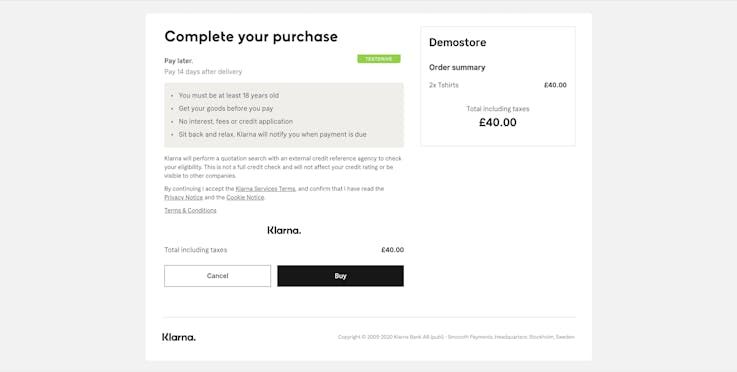
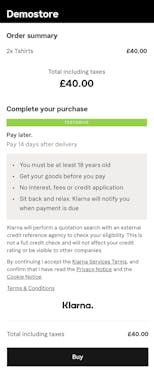
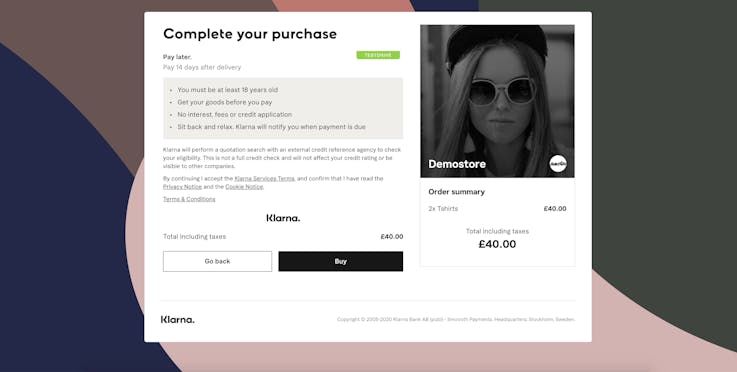
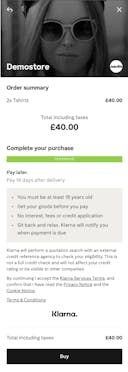
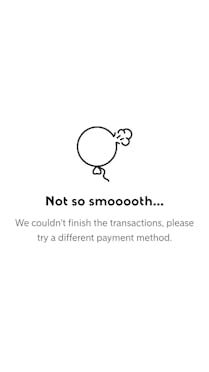
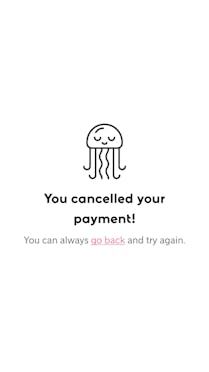
When creating an HPP Session you can define the URL that you want the Consumer to be redirected to after making an action on the payment page. These URLs are in the merchant_urls block, but they are also optional. When you don’t put any value in there, generic pages are displayed to the Consumer.

Failure
Cancellation
A description of the options that can be passed to HPP. All of these are optional, some default to a sensible value if omitted in the call.
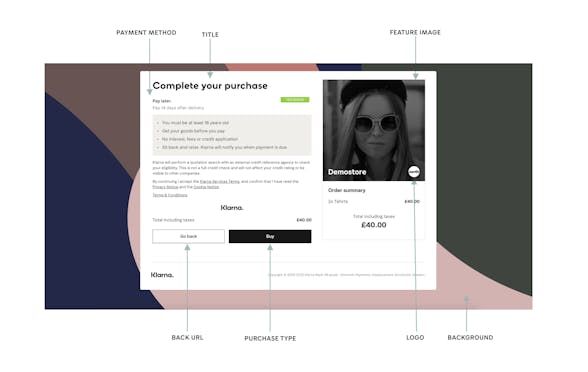
When provided your logo and feature image will appear on the Hosted Payment Page, their positions will depend on the Consumer’s browser capacities as HPP as different responsive designs. Both can be configured through the merchant portal. Merchants can try their setup in playground as well as production environment. It may take sometime for the changes to reflect on HPP.
Logo configuration is documented at Merchant Branding Configuration Page
Use this parameter to send a list of images to use as backgrounds on the payment page. HPP will use the image that fits the better to the Consumer’s browser capacities using the width parameter given. Images have to be served over HTTPS to avoid all kind of security warning on the Consumer’s browser.
| Key | background_images |
|---|---|
| Description | A list of images to be used as the background for HPP |
| Type | Array |
| Default | none |
| Parameter | Type | Usage |
|---|---|---|
| url | String | Url of the image, must be served over HTTPS |
| width | Int | Width of the screen the image works best on |
JSON
1
2
3
4
5
6
7
8
9
10
{
"options": {
"background_images": [
{
"url": "https://example.com/background.jpg",
"width": 1280
},
{
"url": "https://example.com/background_small.jpg",
"width": 480Use this parameter to modify the title of the Hosted Payment Page. This title is shown in the page and as header of the Consumer’s browser. As it is defined by you, you are responsible of its localization to the Locale of the Consumer.
| Key | page_title |
|---|---|
| Description | Title on top of the Hosted Payment Page |
| Type | String |
| Default | Complete your purchase |
JSON
1
2
3
4
5
6
{
    "options": {
        "page_title": "Complete your purchase"
    }
}
Depending on the kind of goods you are selling, use this parameter to change the label of the button on which the Consumer will click to finalize the purchase. Label is localized in the locale of the Session.
| Key | purchase_type |
|---|---|
| Description | Purchase type, reflected in the complete purchase button on the bottom of HPP |
| Type | Enum |
| Accepted values | BOOK,BUY,CONTINUE,DOWNLOAD,ORDER,RENT,SUBSCRIBE,PAY |
| Default | BUY |
| Value | Button label in English |
|---|---|
| BOOK | Book |
| BUY | Buy |
| CONTINUE | Continue |
| DOWNLOAD | Download |
| ORDER | Order |
| RENT | Rent |
| SUBSCRIBE | Subscribe |
| PAY | Pay |
JSON
1
2
3
4
5
6
{
    "options": {
        "purchase_type": "buy"
    }
}
Use this parameter to enable the user to go back to purchase page while providing the flexibility to you to end or keep alive the purchase session. When provided, a “Go Back” button will be displayed on the page instead of a “Cancel” button and the consumer will get redirected to this url on clicking on the go back button.
See back button versus cancel button chapter for more information.
| Key | back |
|---|---|
| Description | Redirection url on back button click |
| Type | String |
| Default | There is no back button by default. If this parameter is not provided, a cancel button will be displayed. |
JSON
1
2
3
4
5
6
{
    "merchant_urls": {
        "back": "https://example.com/back?token=<random_uuid>&sid={{session_id}}"
    }
}
Documented in the KP docs
Jump to section...